

Porter Kevin Scott

Independent Author & Publisher — Sharing stories, publishing insights, and creative journeys.

Trusted by Global Platforms

About The Author

Professional portrait of Porter Kevin Scott

A Passion for Stories & Strategy.

Porter Kevin Scott, born on March 11, 1994, is a U.S.-based independent author and blogger. He publishes eBooks and audiobooks and shares writing and publishing tutorials.

My goal is to help new authors navigate the complexities of self-publishing with practical, step-by-step guidance.

With hands-on experience in the entire self-publishing pipeline, I work directly with Amazon KDP, ACX for audiobooks, and PublishDrive for wide distribution to bring creative works to a global audience.

Business Verification Details

From the Blog

Man typing at a laptop
KDP Publishing

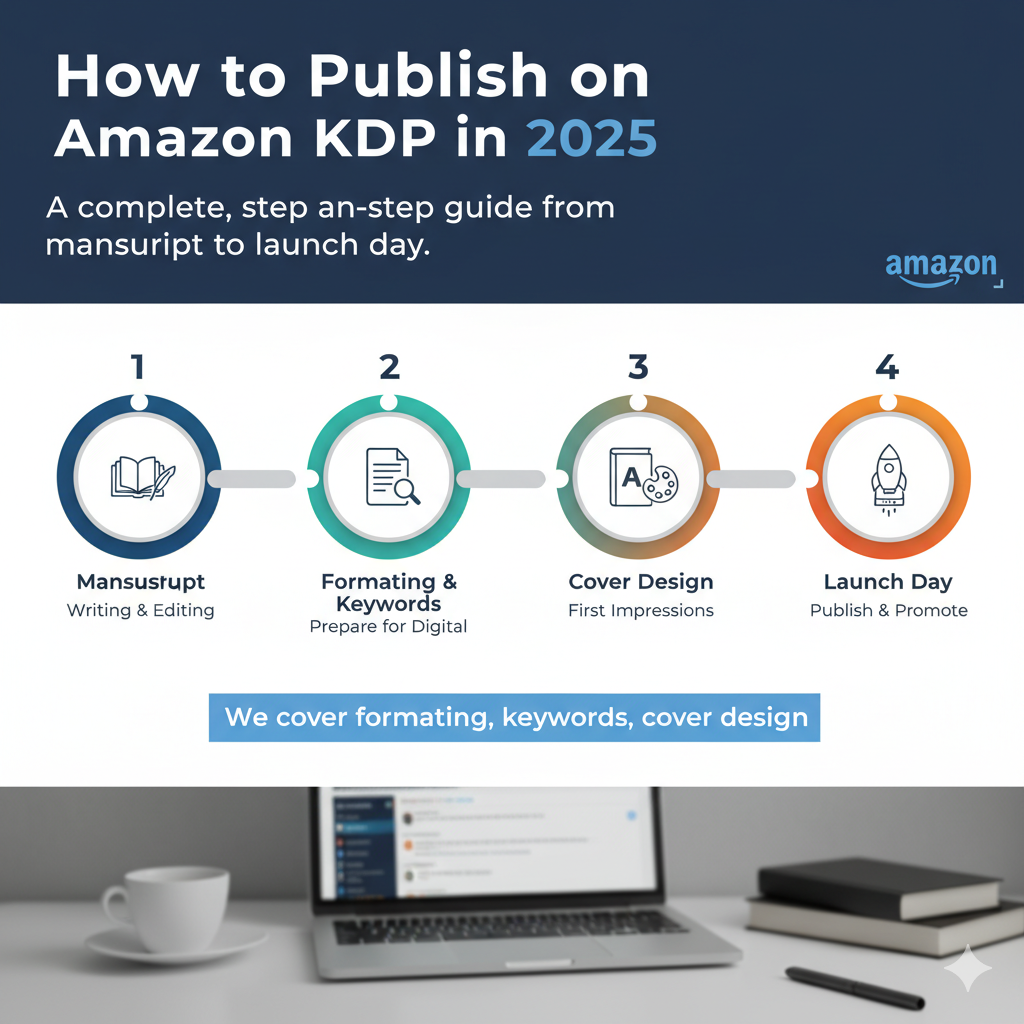
How to Publish on Amazon KDP in 2025

A complete, step-by-step guide from manuscript to launch day. We cover formatting, keywords, cover design...

By: P. K. Scott Read More (8 min) →
Microphone for audiobook production
Audiobooks

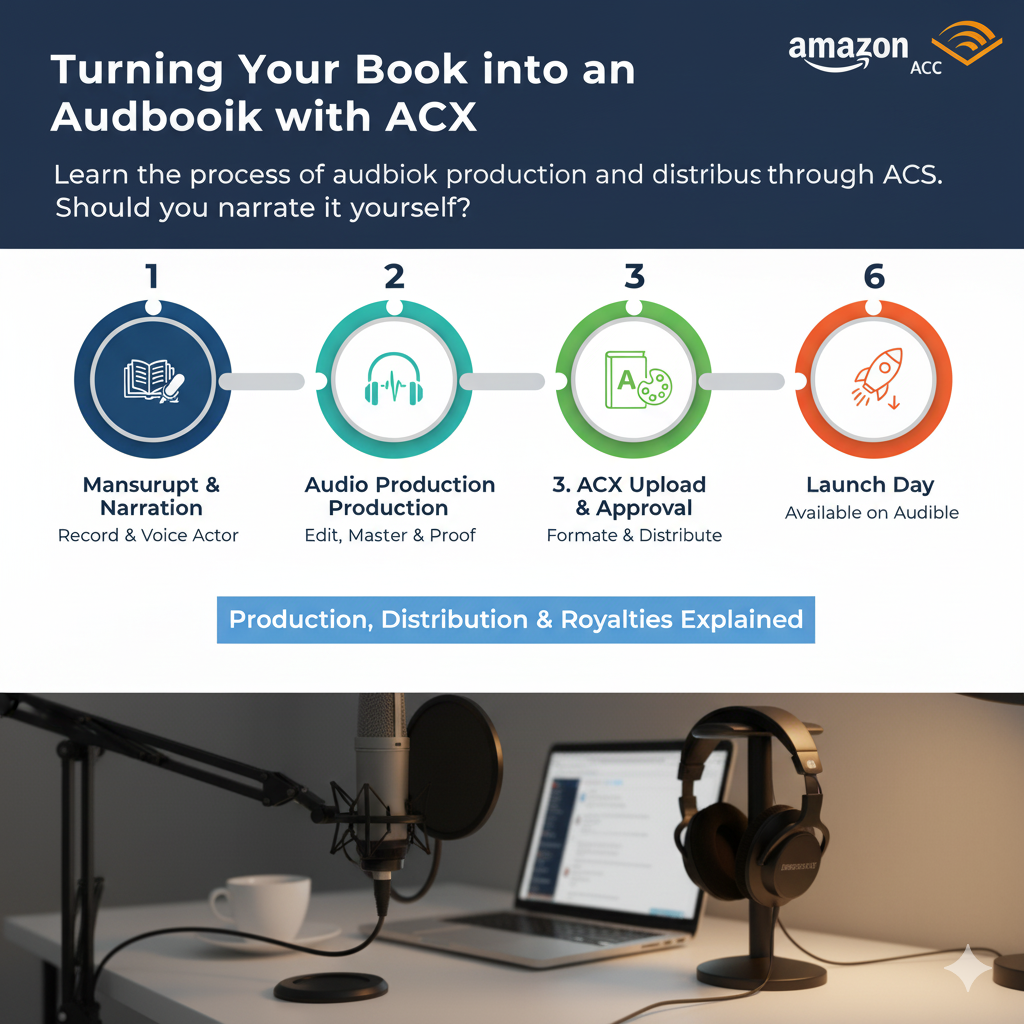
Turning Your Book into an Audiobook with ACX

Learn the process of audiobook production and distribution on Audible through ACX. Should you narrate it yourself?

By: P. K. Scott Read More (10 min) →
Chart showing marketing results
Marketing

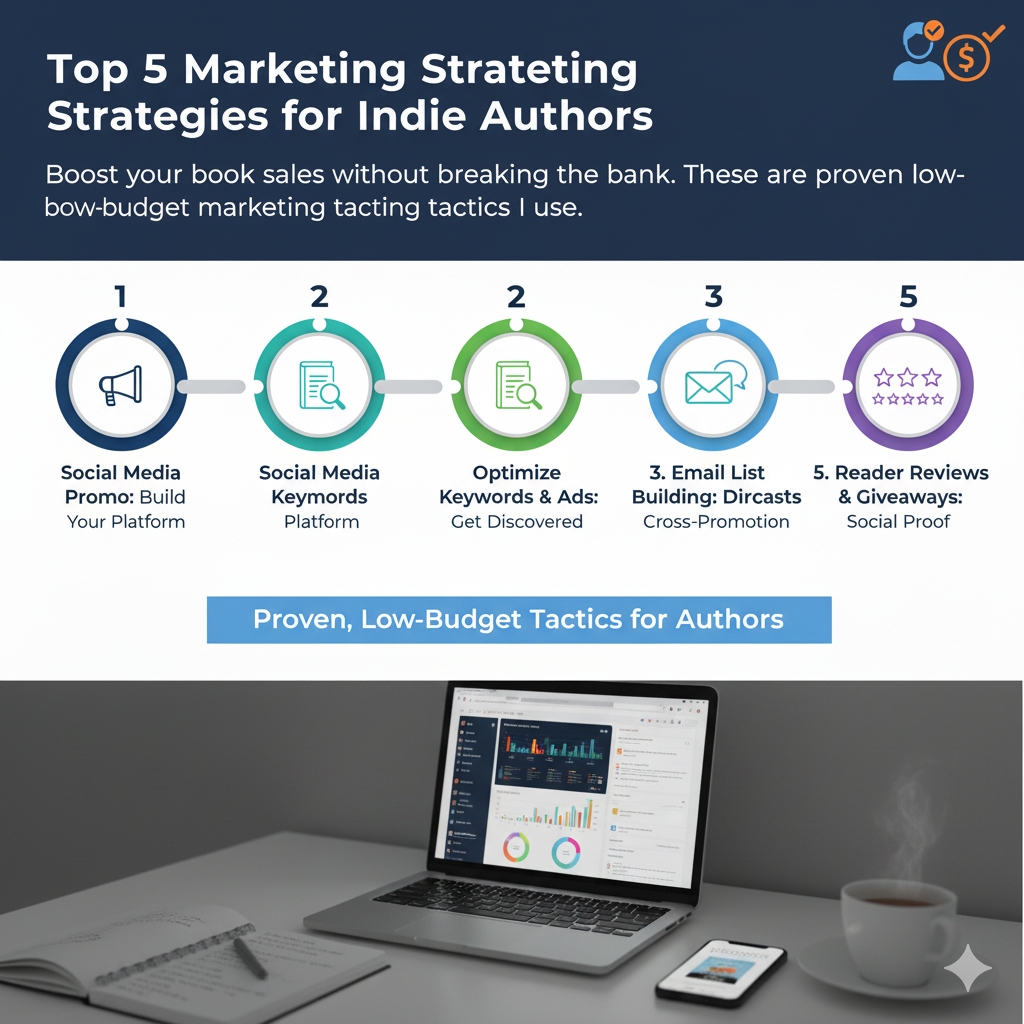
Top 5 Marketing Strategies for Indie Authors

Boost your book sales without breaking the bank. These are the proven, low-budget marketing tactics I use...

By: P. K. Scott Read More (7 min) →
A collection of professional book covers
Design

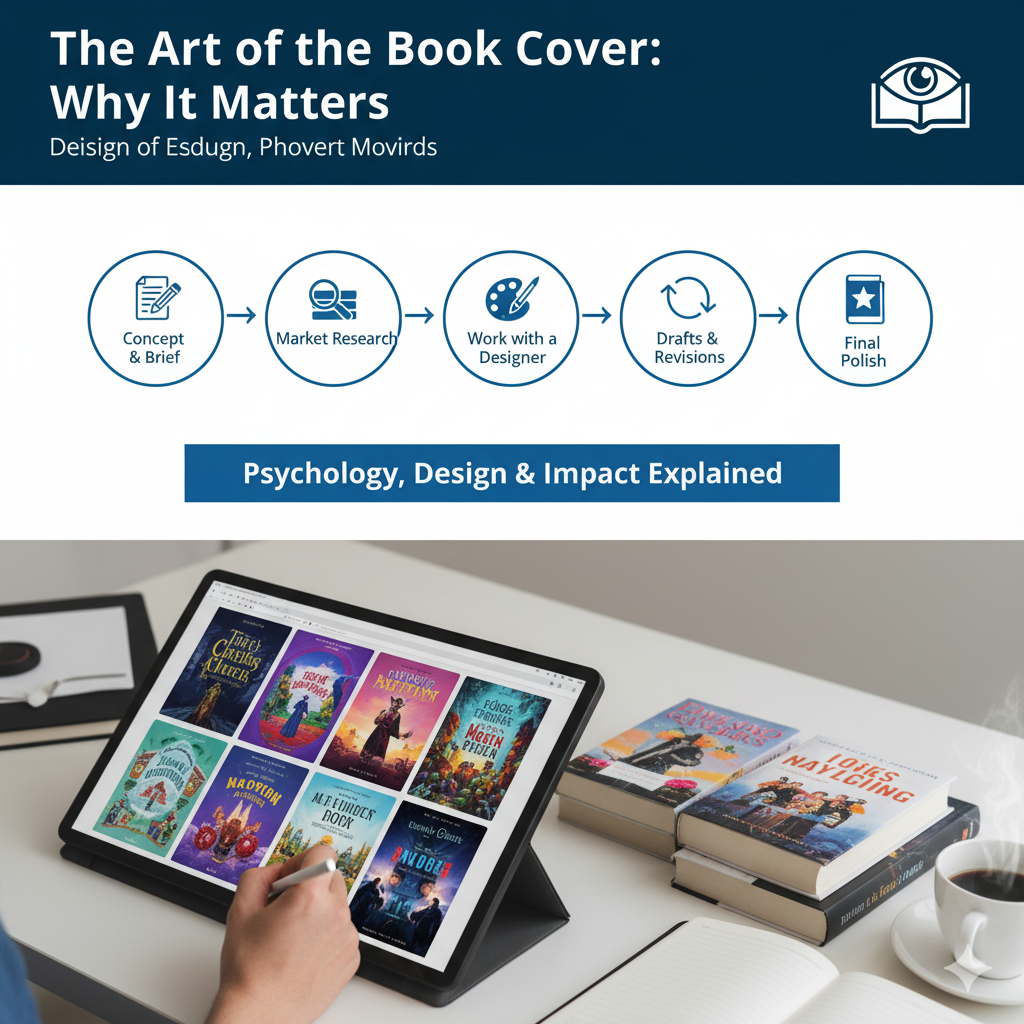
The Art of the Book Cover: Why It Matters

Your cover is your #1 marketing tool. We explore the psychology of cover design and how to work with a designer...

By: P. K. Scott Read More (6 min) →

Books & Publishing Services


Author Services

Leverage my experience to make your publishing journey smoother. I offer the following services for independent authors.

Manuscript Editing

Developmental, line, and copy editing to make your story shine.

eBook & Print Formatting

Professional formatting for KDP, PublishDrive, and print-on-demand.

Publishing Consulting

1-on-1 strategy calls to plan your book launch and marketing.

Payments for services and collaborations are accepted through Payoneer.
Contact me for a custom quote.

Get In Touch

For collaborations, service inquiries, or media requests, please contact me directly using the verified details below.

Address

3201 Kari Ln #621,
Greenville, TX 75402, USA
×
Man typing at a laptop

How to Publish on Amazon KDP in 2025

By: P. K. Scott Category: KDP Publishing Read Time: 8 min

Publishing on Amazon Kindle Direct Publishing (KDP) remains one of the most powerful ways for an independent author to get their work in front of millions of readers. But navigating the platform for the first time can be daunting. This guide will walk you through the essential steps to take your manuscript from a file on your computer to a published eBook on the world's largest bookstore.

1. Formatting Your Manuscript

Before you upload anything, your book needs to look professional. Amazon accepts several file types, but a well-formatted .docx or .epub file is your best bet.

  • Use Styles: Use the "Styles" feature in your word processor (e.g., "Heading 1" for chapters, "Normal" for body text). This creates a clean, navigable eBook.
  • Table of Contents: Create an automated Table of Contents. KDP will use this to build the "Go To" menu in the Kindle app.
  • Page Breaks: Insert a "Page Break" at the end of each chapter. Do not just hit "Enter" until you reach a new page.

2. Keywords and Categories

This is your book's hidden marketing engine. You get to choose 7 backend keywords and 2 browse categories.

Keywords: Don't just use single words. Think like a reader. Instead of "mystery," use "mystery thriller with a female detective." Use all 50 characters in each of the 7 slots. Research what similar, successful books are using.

Categories: This is how your book is shelved. Be specific. "Mystery, Thriller & Suspense > Thrillers > Psychological" is far better than just "Fiction."

3. The Cover: Your #1 Sales Tool

I said it in another post, and I'll say it here: your cover is everything. It must look professional and instantly communicate your book's genre, even as a tiny thumbnail. If you are not a professional designer, *hire one*. This is not the place to save money. A cheap cover will kill your sales, no matter how good the book is.

Conclusion

Publishing on KDP is a straightforward process, but success is in the details. By focusing on professional formatting, smart metadata (keywords and categories), and a high-quality cover, you set your book up for the best possible chance of success. Good luck!

×
Microphone for audiobook production

Turning Your Book into an Audiobook with ACX

By: P. K. Scott Category: Audiobooks Read Time: 10 min

The audiobook market is exploding. If your book is only available in print and eBook formats, you're missing out on a massive, and growing, audience. ACX (Audiobook Creation Exchange) is Amazon's platform for turning your book into an audiobook and distributing it on Audible, Amazon, and Apple Books.

DIY vs. Hiring a Professional Narrator

This is the first and biggest decision you'll make.

DIY (Do It Yourself): This is tempting for saving money, but it's a massive undertaking. You don't just need a good voice; you need a sound-treated space (a closet full of clothes is a common starting point), a high-quality microphone (like an Audio-Technica AT2020 or Rode NT1), audio editing software (like the free Audacity), and *a lot* of time. You'll spend hours recording, editing (removing breaths, clicks, and mistakes), and mastering the files to meet ACX's strict technical requirements.

Hiring a Pro: On ACX, you can post a 1-2 page audition script and have professional narrators send you samples. You can pay them a per-finished-hour (PFH) rate (which can range from $50 to $400+) or offer a 50/50 royalty split. The royalty split is a great option if you have no upfront budget, but you'll likely attract newer narrators. A seasoned pro will almost always require a PFH payment.

The ACX Process

  1. Claim Your Title: Log in to ACX and search for your book (it must already be on Amazon).
  2. Create a Profile: Describe your book and what you're looking for in a narrator (if hiring).
  3. Upload Audition Script: Post a small section for narrators to read.
  4. Review Auditions & Make an Offer: Listen to your applicants and offer the job to your favorite.
  5. Production: The narrator will record the first 15 minutes for your approval. Once you approve it, they'll record the full book.
  6. Review & Approve: You listen to the final files, request any corrections, and then approve the final product.
  7. Distribution: ACX handles the rest, sending your book to Audible, Amazon, and Apple Books, usually within 10-14 business days.

Is It Worth It?

In my experience, absolutely. It opens up a new revenue stream and reaches readers who would never have discovered your book otherwise. While the initial investment (in time or money) can be high, a high-quality audiobook is a long-term asset that can pay dividends for years.

×
Chart showing marketing results

Top 5 Marketing Strategies for Indie Authors

By: P. K. Scott Category: Marketing Read Time: 7 min

You wrote the book. You published it. You hit "publish" and... crickets. This is the reality for most new indie authors. Writing the book is only half the battle; marketing it is the other half. Here are the 5 strategies I focus on for every launch.

1. Build an Email List

This is non-negotiable. Your email list is the *only* platform you truly own. You can't be banned from it, and the algorithm can't hide your posts. Offer a "reader magnet" (a free short story, a prequel, or a bonus chapter) on your website to get people to sign up. This list is your direct line to your most loyal fans.

2. Master Amazon Ads

Amazon Ads (AMS) are complex but powerful. They allow you to place your book directly in front of people actively shopping for books just like yours. Start small with a "Sponsored Products" ad. Target the keywords and categories you researched for your KDP setup. Set a small daily budget ($5-$10) and let it run for a week. Analyze what works and what doesn't. Be prepared to lose a little money at first as you learn.

3. Get Book Reviews (Ethically)

Reviews are "social proof." They tell new readers that your book is worth their time and money. You CANNOT pay for reviews. But you *can* build an "ARC Team" (Advanced Reader Copy). These are fans from your email list or social media who agree to read the book *for free* before launch in exchange for leaving an *honest* review on launch day.

4. Run Price Promotions

KDP Select (which requires you to be exclusive to Amazon) allows you to run "Kindle Countdown Deals" or "Free Book Promotions." A free run, when combined with promotion sites like BookBub or Freebooksy, can get thousands of downloads, boosting your book's ranking and visibility. The goal isn't to make money on the free copies; it's to find new readers who will (hopefully) buy your *next* book.

5. Use Social Media (Smartly)

Don't try to be on every platform. Pick one or two where your target readers hang out (e.g., TikTok for #BookTok, Facebook for older demographics, Instagram for visual genres). Don't just post "Buy my book!" Share your journey, post tips, show your research. Provide value 80% of the time, and sell 20% of the time.

×
A collection of professional book covers

The Art of the Book Cover: Why It Matters

By: P. K. Scott Category: Design Read Time: 6 min

We've all heard the saying, "Don't judge a book by its cover." It's a nice sentiment, but in the world of publishing, it's a lie. Readers 100% judge books by their covers. Your cover is your single most important marketing tool. It has about 2-3 seconds to catch a reader's eye and communicate one vital piece of information: *genre*.

The Psychology of Genre

A thriller cover *looks* like a thriller cover (dark colors, stark typography, a sense of motion). A romance cover *looks* like a romance cover (an illustrated couple, a shirtless man, a soft-focus landscape). A sci-fi cover *looks* like a sci-fi cover (spaceships, planets, futuristic fonts).

If your cover is "artistic" and "breaks the mold," readers won't know what it is, and they will scroll right past it. Your cover's first job is not to be beautiful; it's to signal to the right reader, "This is the kind of book you love."

Working with a Professional Designer

Unless you are a professional book cover designer, do not design your own cover. This is the #1 mistake new indie authors make. A homemade cover screams "amateur," and readers will assume the writing inside is amateur, too.

  • Find the Right Designer: Look at the covers of bestselling books in your specific sub-genre. Find out who designed them. Many designers specialize (e.g., "fantasy" or "cozy mystery").
  • Write a Good Brief: Don't just say, "Make me something cool." Tell your designer the genre, a short blurb, the themes, and most importantly, send them 3-5 examples of *current* bestselling covers in your genre that you like.
  • Trust Their Expertise: You're paying for their market knowledge, not just their art skills. If they push back on an idea, listen. They know what sells.

A Final Checklist

Before you approve the final design, look at it as a 1-inch-tall thumbnail. Is the text readable? Does the central image pop? Does it still look like your genre? If the answer to all three is "yes," you've got a winner.